Social Media Guide
Dec 23, 2025
Why Can’t I Follow People on Instagram? Causes, Limits, and Fixes
If Instagram won’t let you follow people, this guide explains the real reasons why, what limits you’ve hit, how long blocks last, and how to fix the issue without risking your account.
Jump-To List
Why Instagram Blocks Follow Actions
When Instagram prevents you from following accounts, it’s almost always due to automated abuse prevention.
Instagram limits follow actions to reduce spam, fake engagement, and aggressive growth tactics. If your activity looks unnatural, the platform temporarily restricts certain actions instead of banning the account outright.
This behavior is part of Instagram’s broader account integrity system, which prioritizes user safety and authentic interaction, as explained in the Instagram Help Center.
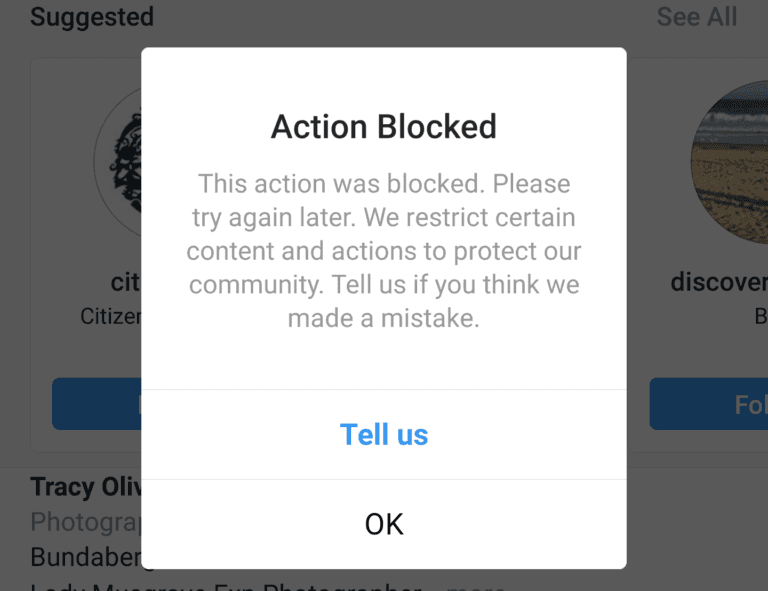
Follow Limits You Need to Know
Instagram does not publish exact limits, but long-term testing shows consistent thresholds.
Typical limits:
~200 follows per day (often less on new accounts)
Rapid follows in a short time increase risk
New or recently active accounts have stricter limits
Exceeding limits too quickly is one of the fastest ways to trigger restrictions, especially when combined with unfollowing behavior discussed in Who Doesn’t Follow Me Back on Instagram?.
Temporary Action Blocks Explained
Most follow issues are temporary action blocks, not permanent penalties.
Signs of a block:
“Try Again Later” message
Follow button not responding
Actions failing without error messages
Typical durations:
24 hours (minor overuse)
48–72 hours (repeated behavior)
Up to 7 days for aggressive patterns
Instagram uses these blocks to slow accounts down and reset behavior rather than permanently limiting reach.
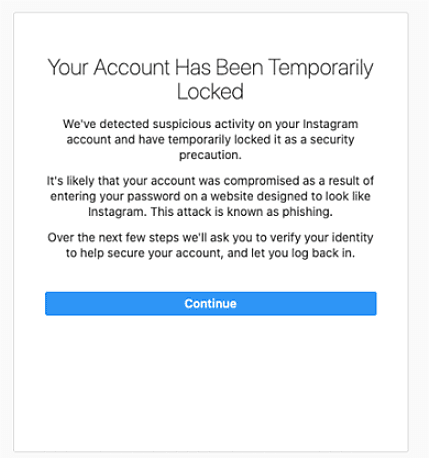
Common Triggers That Cause Follow Restrictions
Follow blocks usually happen due to patterns, not single actions.
High-risk triggers include:
Rapid follow/unfollow cycles
Using third-party automation tools
Logging in from multiple IPs or devices
Brand-new accounts following many users
Low engagement combined with high activity
Instagram explicitly warns against sharing login credentials with external services, which is why “follower tracker” apps frequently cause restrictions, as also highlighted in FTC consumer guidance on account security.
How to Fix the Problem (Step-by-Step)
If you’re currently blocked, do not try to force activity.
Do this instead:
Stop following/unfollowing for at least 24–48 hours
Avoid logging in from new devices or networks
Post normally (stories or a regular post helps)
Interact naturally (replies, comments, DMs)
Resume follows slowly once actions are restored
For accounts focused on growth, this is why sustainable strategies matter more than aggressive tactics, as outlined in How to Get Instagram Followers (What Actually Works).
How to Avoid Follow Blocks in the Future
Prevention is simple once you understand the rules.
Best practices:
Follow gradually, not in bursts
Avoid follow-for-follow automation
Keep engagement balanced with activity
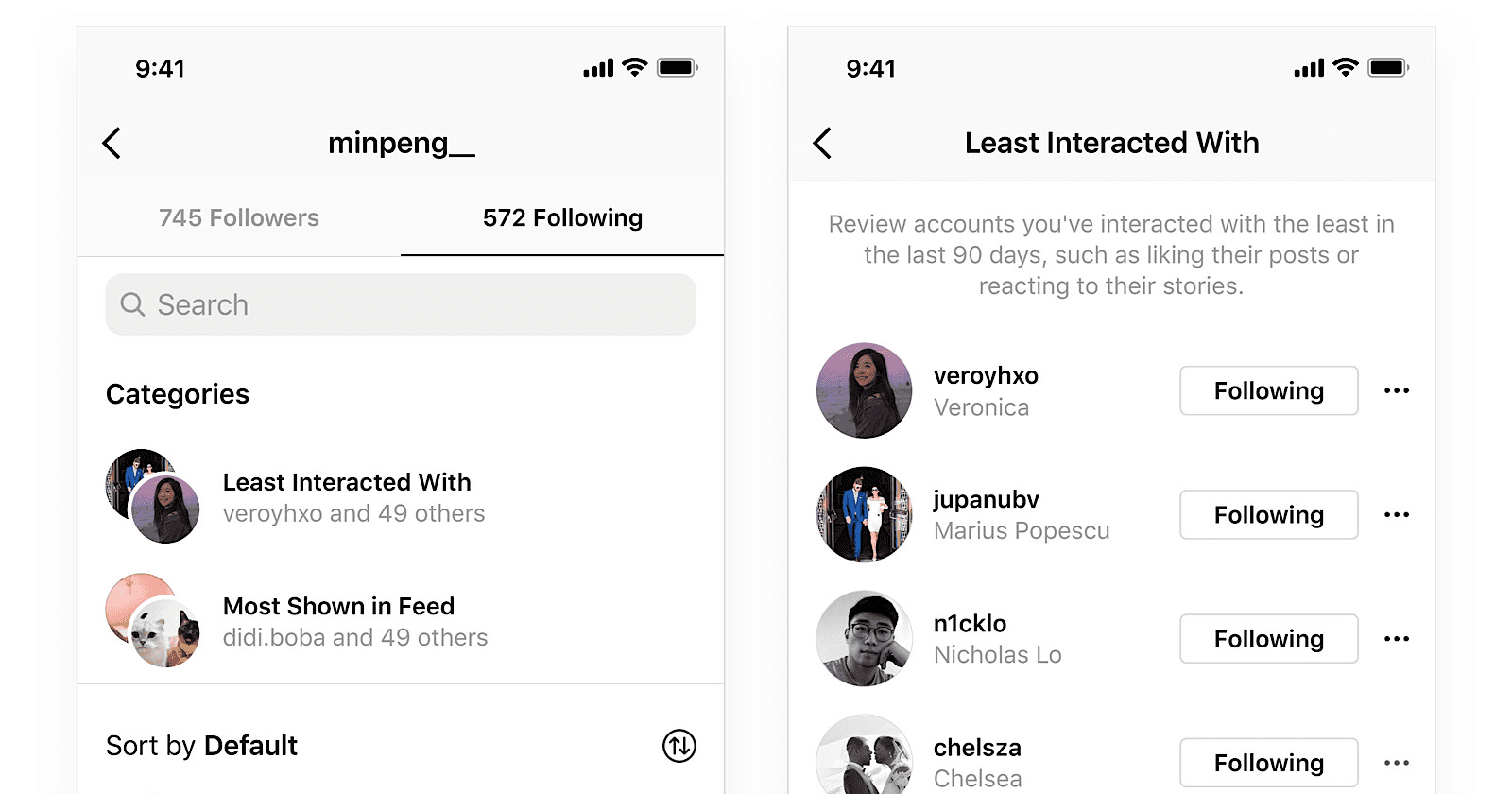
Maintain a realistic follower-to-following ratio
Never use tools that promise instant results
Aggressive actions often lead people to look for shortcuts, but those shortcuts usually create the same problems discussed in Is Buying Instagram Followers Safe? — account instability, not growth.
FAQ
How long do Instagram follow blocks last?
Most last 24–72 hours, but repeated violations can extend this to a week.
Does Instagram permanently block accounts from following?
Rarely. Permanent restrictions usually involve repeated automation or policy violations.
Will switching to a private account fix this?
No. Follow limits apply to both public and private accounts.
Do VPNs cause follow blocks?
They can. Frequent IP changes increase security flags.
What matters more: following people or engagement?
Engagement matters far more for reach, growth, and long-term results.