Social Media Guide
Dec 21, 2025
How to Hide Your Following List on Instagram (What’s Possible and What’s Not)
A clear explanation of whether you can hide your Instagram following list, what Instagram actually allows, common misconceptions, and practical privacy workarounds that protect your profile.
Jump-To List
Can You Hide Your Following List on Instagram?
Instagram does not currently offer a setting that lets you fully hide your following list while keeping your account public.
If your account is public:
Anyone can see who you follow
Anyone can see who follows you
If your account is private:
Only approved followers can see your followers and following list
There is no toggle to selectively hide your following list from certain users on a public account. Any claim saying otherwise is misleading.
What Instagram Privacy Settings Actually Control
Instagram’s privacy tools focus on account access, not list visibility.
You can control:
Who can follow you (private vs public)
Who can comment or message you
Who can tag or mention you
Who can see your stories
Instagram documents these controls in its official Help Center resources about account privacy and safety, but none of them include hiding only the following list.
Public vs Private Accounts: Key Differences
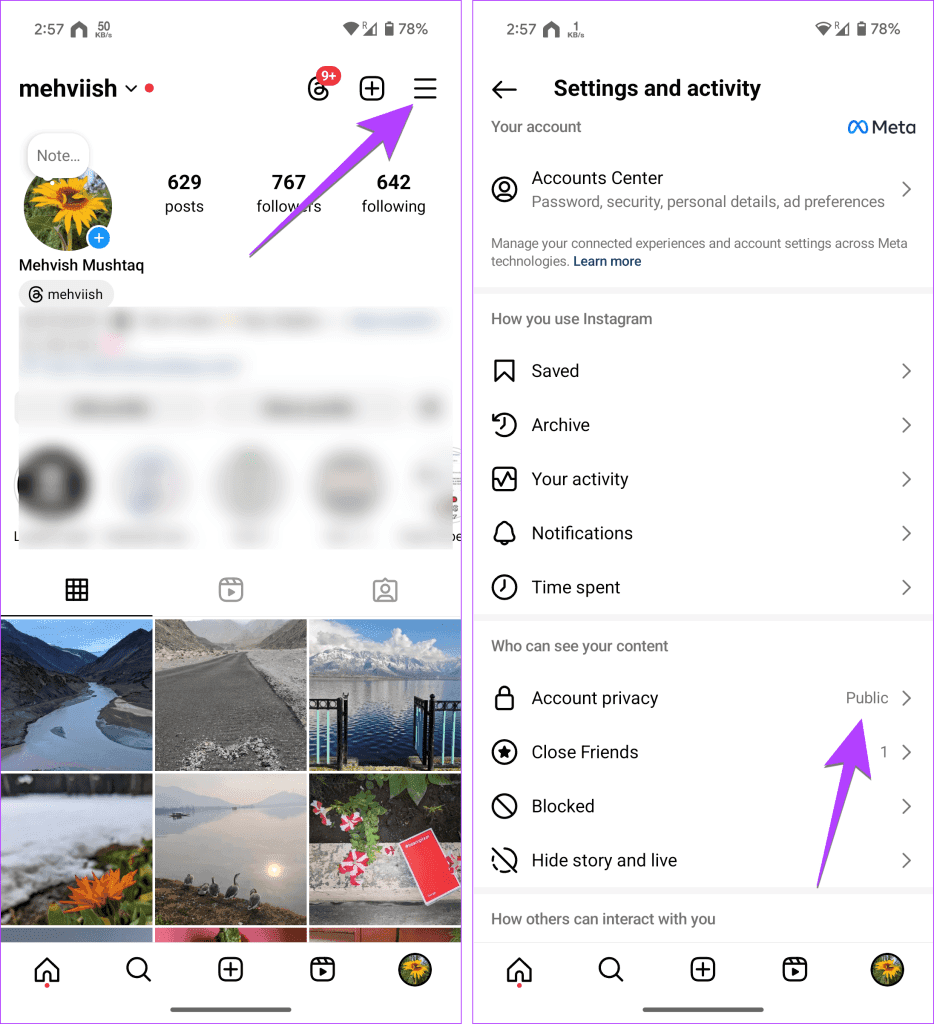
Switching to a private account is the only native way to restrict access to your following list.
Public account
Full visibility of followers and following
Better discoverability
Required for ads, creator tools, and broad reach
Private account
Following list hidden from non-followers
More control over who sees your activity
Reduced organic reach and discovery
For creators, brands, and growth-focused accounts, staying public is usually necessary.
Common Myths About Hiding Followers and Following
There is a lot of bad advice online.
Myths
Third-party apps can hide your following list
Blocking someone permanently hides your following list from everyone
Instagram “secretly flags” accounts that hide followers
Reality
Third-party apps violate Instagram’s terms and often steal data
Blocking only affects one user and is reversible
Instagram does not penalize accounts for privacy settings
Instagram explicitly warns against sharing login details with external tools in its guidance on avoiding scams and fake services.
Practical Workarounds for Better Privacy
While you can’t fully hide your following list on a public account, you can reduce unwanted attention.
Effective options:
Remove followers you don’t trust
Block specific users who repeatedly check your profile
Limit story visibility to close friends
Avoid following spam or low-quality accounts
Keep your following list relevant and clean
A curated following list improves both privacy and perceived credibility.
How Profile Perception Affects Growth
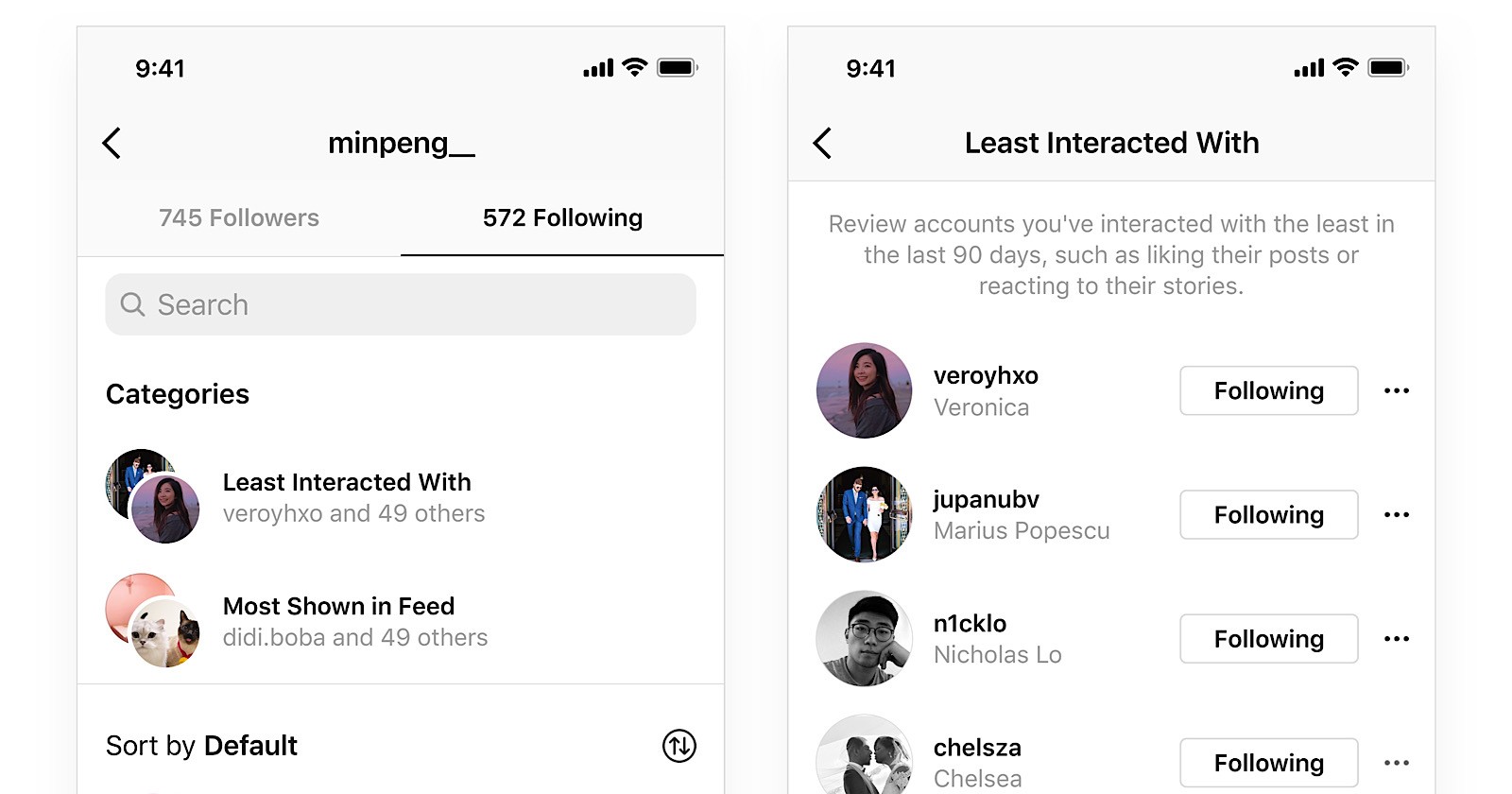
Your following list influences how people judge your account.
When users see:
Thousands followed but little engagement → low credibility
A focused, relevant following list → higher trust
This matters for:
Brand deals
Conversions
Growth tactics discussed in guides like how to get Instagram followers the right way
Some accounts use follower count strategically to improve first impressions, while focusing real growth on content and engagement rather than list manipulation.
FAQ
Can I hide my following list from one person only?
No. Instagram does not support selective hiding. You can only block or remove that person.
Does switching to private hurt growth?
Yes. Private accounts limit reach, recommendations, and discovery.
Are follower-hiding apps safe?
No. They often violate Instagram’s terms and can compromise your account.
Will Instagram add this feature in the future?
There is no official announcement indicating selective hiding will be added.
What’s the best option for creators?
Stay public, curate who you follow, and manage privacy through blocks and follower removal when necessary.