Social Media Guide
Jan 1, 2026
YouTube Live Subscriber Count: How to See It in Real Time
Learn how to view a YouTube channel’s live subscriber count, including your own, using official tools and trusted third-party platforms.
Jump To
What a YouTube Live Subscriber Count Is
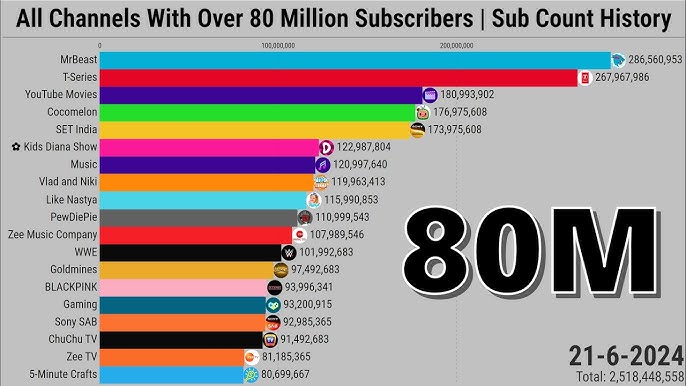
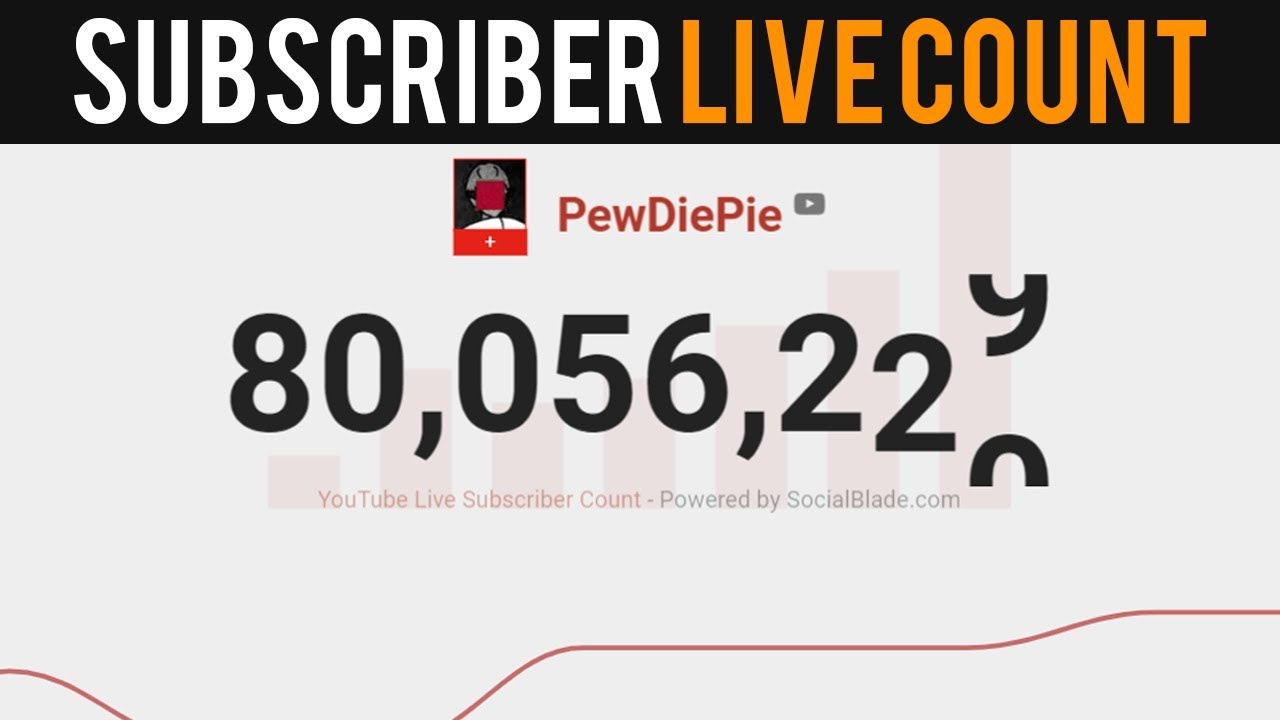
A YouTube live subscriber count shows how many subscribers a channel has in real time, updating as people subscribe or unsubscribe. Unlike standard subscriber counts, which may refresh slowly, live counters update dynamically and are often used during milestones, live streams, or growth tracking.
This feature is especially popular among creators approaching major milestones such as 1,000, 10,000, or 1 million subscribers, where real-time engagement can be monitored closely.
How to See Your Own Live Subscriber Count
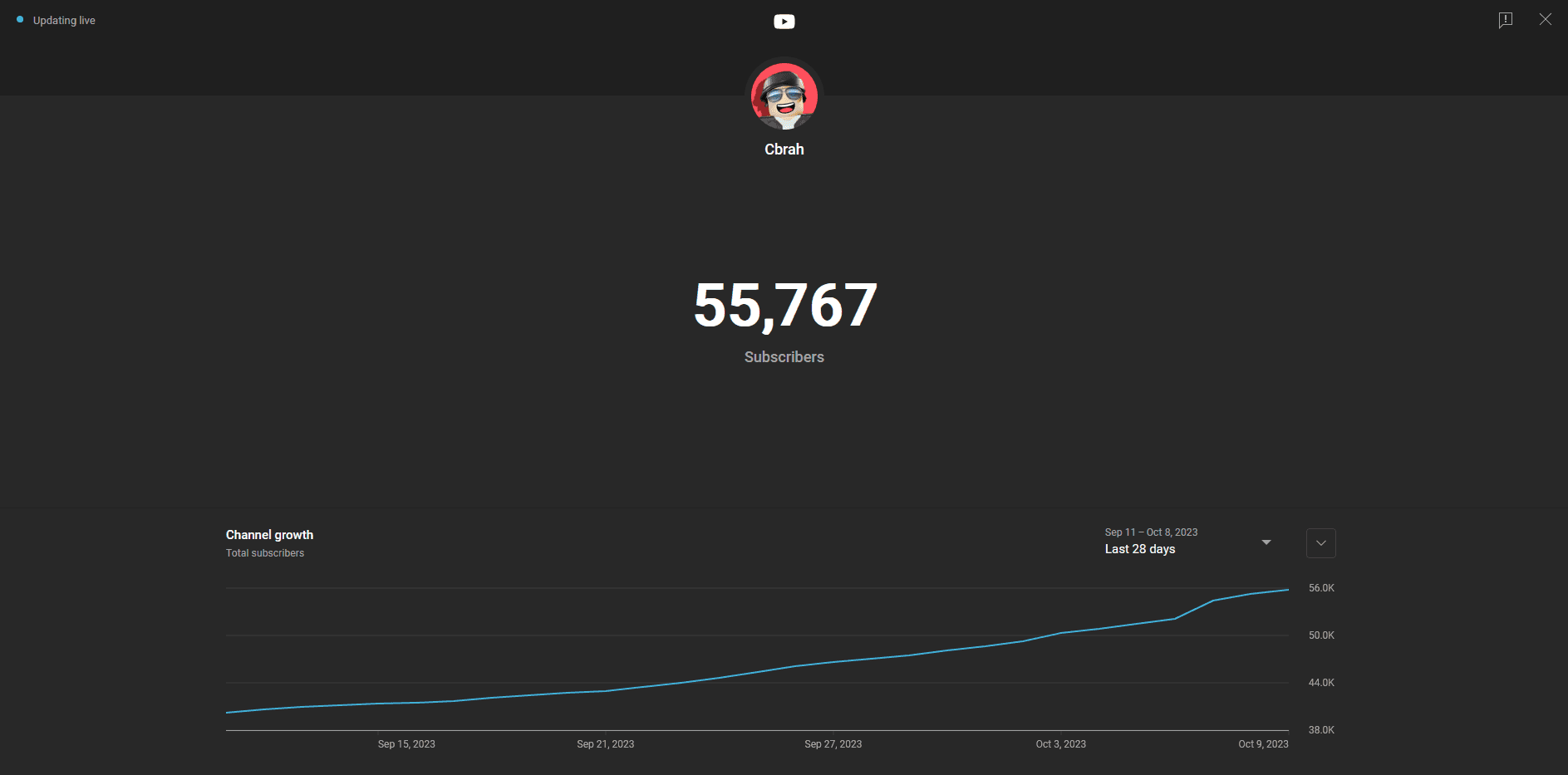
The most accurate way to see your live subscriber count is through YouTube Studio.
Once logged in, go to the dashboard where your current subscriber total is displayed. This number updates frequently and reflects real-time changes, though it may lag slightly during periods of high activity.
YouTube officially explains how subscriber counts work here:
https://support.google.com/youtube/answer/7622832
For most creators, this is the safest and most reliable method to track live growth.
How to See Someone Else’s Live Subscriber Count
To view another channel’s live subscriber count, you typically need to use third-party analytics tools. These platforms access public YouTube data and display it in real time.
Popular options include:
These tools are commonly used during subscriber races or milestone events, but they rely on publicly available data and may update at slightly different speeds.
Best Tools for Tracking Live Subscriber Counts
Each tracking platform has strengths depending on your goal. Social Blade is best for long-term analytics and historical data. LiveCounts focuses on real-time updates with minimal delay. YouTube Studio remains the most accurate source for your own channel’s metrics.
For creators who want clean visuals during live streams, third-party tools often provide embeddable counters or overlays that can be added to broadcasting software.
Why Subscriber Counts Change in Real Time
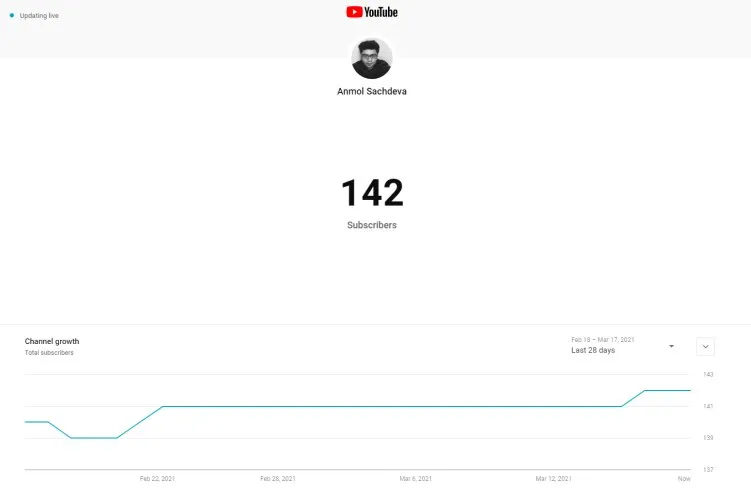
YouTube regularly audits subscriber data to remove spam accounts, bots, or inactive profiles. When these audits happen, subscriber numbers can rise or fall suddenly.
In addition, YouTube may temporarily freeze visible counts during periods of high traffic or system updates. These fluctuations are normal and do not mean subscribers are being removed unfairly.
When Live Subscriber Data Is Most Useful
Live subscriber counts are most helpful during:
Major content launches
Milestone celebrations
Livestream events
Growth tracking experiments
They provide motivation, engagement, and real-time feedback, especially for creators focused on audience growth.

FAQ
Can I see my exact subscriber count in real time?
Yes, through YouTube Studio or trusted analytics platforms, though small delays may occur.
Are live subscriber counters accurate?
They are generally accurate but may differ slightly due to data refresh timing.
Why does my subscriber count go up and down?
This is usually caused by YouTube removing spam accounts or updating data.
Do live subscriber tools violate YouTube rules?
No, as long as they use public API data and don’t attempt to bypass restrictions.