Social Media Guide
Jan 1, 2026
YouTube Dislike Viewer: How to See Dislikes on YouTube Again
Learn why YouTube removed public dislike counts, how to view dislikes again using browser extensions, and which YouTube dislike viewers work best in 2025.
Jump To
Why YouTube Removed the Dislike Count
In late 2021, YouTube removed public dislike counts from videos. According to YouTube, the goal was to reduce targeted harassment and dislike attacks on smaller creators. While creators can still see dislike data inside YouTube Studio, public viewers no longer have access to this information.
This change sparked controversy, as many users relied on dislike ratios to evaluate tutorials, reviews, and factual accuracy. As a result, third-party tools quickly emerged to restore public dislike visibility using alternative data sources.
YouTube’s official explanation can be found here.
How YouTube Dislike Viewers Work
YouTube dislike viewer tools estimate dislike counts using a combination of archived historical data, browser extension inputs, and statistical modeling.
When users install a dislike extension, it anonymously submits vote data to a shared database. Over time, this creates a large enough sample size to accurately estimate dislike counts for most popular videos.
While not 100% precise, these estimates are often close enough to be useful, especially on high-traffic videos with thousands of interactions.
Best YouTube Dislike Viewer Extensions
Several browser extensions currently provide reliable dislike estimates:
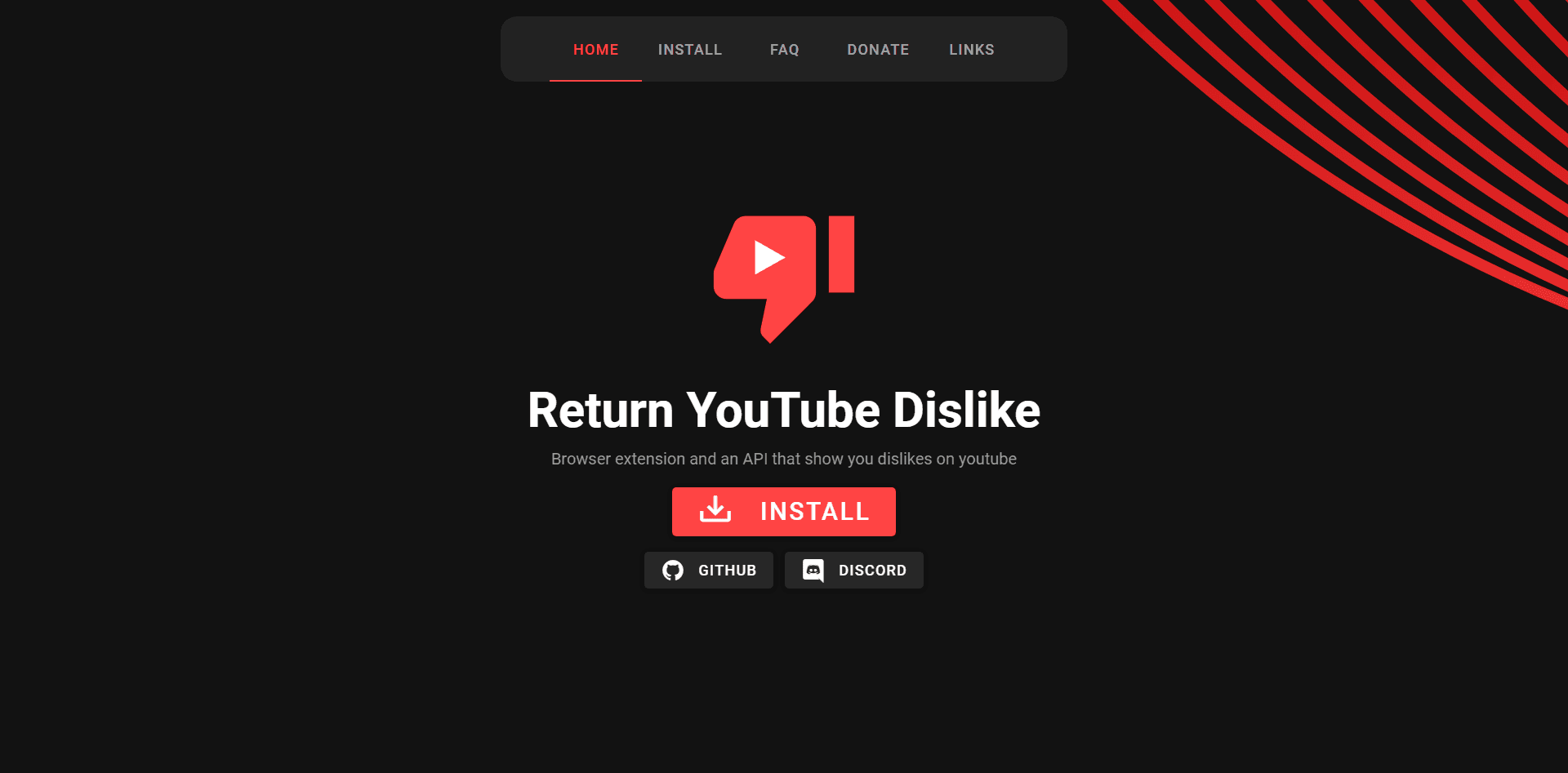
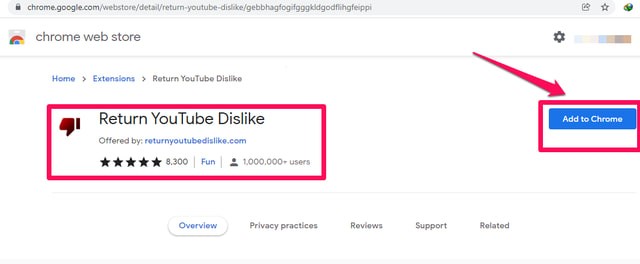
Return YouTube Dislike
The most well-known extension, originally built after YouTube removed public dislikes. It uses archived data and user-submitted votes.
Enhancer for YouTube
Offers dislike restoration along with playback controls, filters, and UI customization.
YouTube Dislike Viewer (Browser-Based Tools)
Some web-based tools estimate dislikes without requiring extensions, though accuracy may vary.
Each of these tools works slightly differently, but all aim to restore transparency for viewers.
Features to Look for in a Dislike Viewer
When choosing a YouTube dislike viewer, look for:
Accurate dislike estimation methods
Frequent data updates
Minimal performance impact
Compatibility with Chrome, Firefox, or Edge
Clear privacy policies
Avoid tools that request unnecessary permissions or require account logins, as these can pose security risks.
Are YouTube Dislike Extensions Safe to Use?
Most reputable extensions are safe when downloaded from official browser stores. However, users should always review permissions before installing.
Extensions that request access beyond YouTube pages or require login credentials should be avoided. Sticking to well-known projects with open-source code or strong community backing is the safest approach.
When Dislike Data Is Actually Useful
Dislike ratios can help viewers quickly assess whether a video is misleading, outdated, or low quality. This is especially useful for tutorials, technical guides, and news-related content.
While dislikes should not be the only metric used to judge a video, they provide valuable context when paired with comments and viewer feedback.
FAQ
Can you still see dislikes on YouTube?
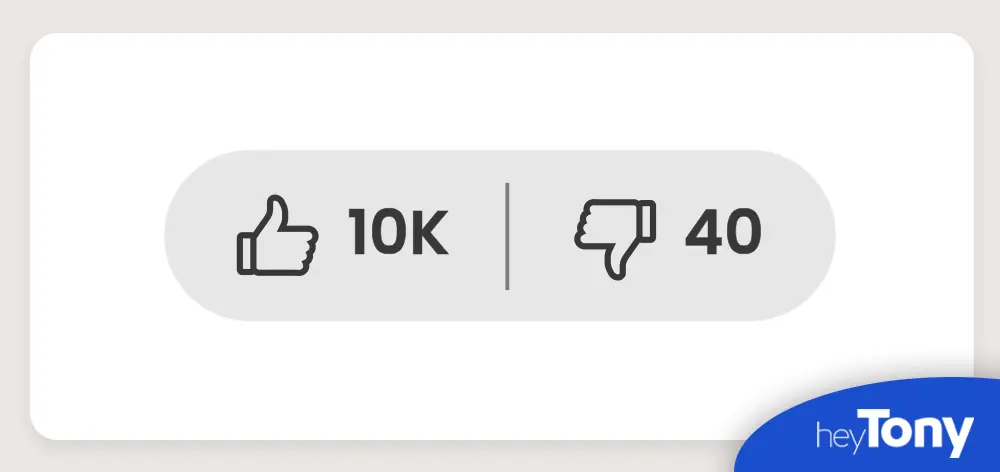
Not natively. You must use third-party extensions to view estimated dislike counts.
Are dislike counts accurate?
They are estimates based on user-submitted data, not official YouTube numbers.
Is it against YouTube’s rules to use a dislike viewer?
No. Viewing dislike data through third-party tools is allowed, as long as you are not manipulating metrics.
Why did YouTube remove public dislikes?
YouTube stated the change was made to reduce targeted harassment and coordinated dislike attacks.