Social Media Guide
Dec 31, 2025
How to See Subscribers on YouTube
Learn how to see your YouTube subscribers, what information is publicly visible, and how to view subscriber data accurately using YouTube Studio and other tools.
Jump To
Why You Can’t Always See YouTube Subscribers
Many users are confused when they can’t see who is subscribed to a channel. This is because YouTube gives users the option to keep their subscriptions private. When this setting is enabled, their name and profile will not appear publicly on any channel’s subscriber list.
Another reason is that YouTube limits what data is shown publicly to prevent spam, harassment, and manipulation. As a result, only partial subscriber information is ever visible to creators or the public.
How to See Your Own Subscribers on YouTube
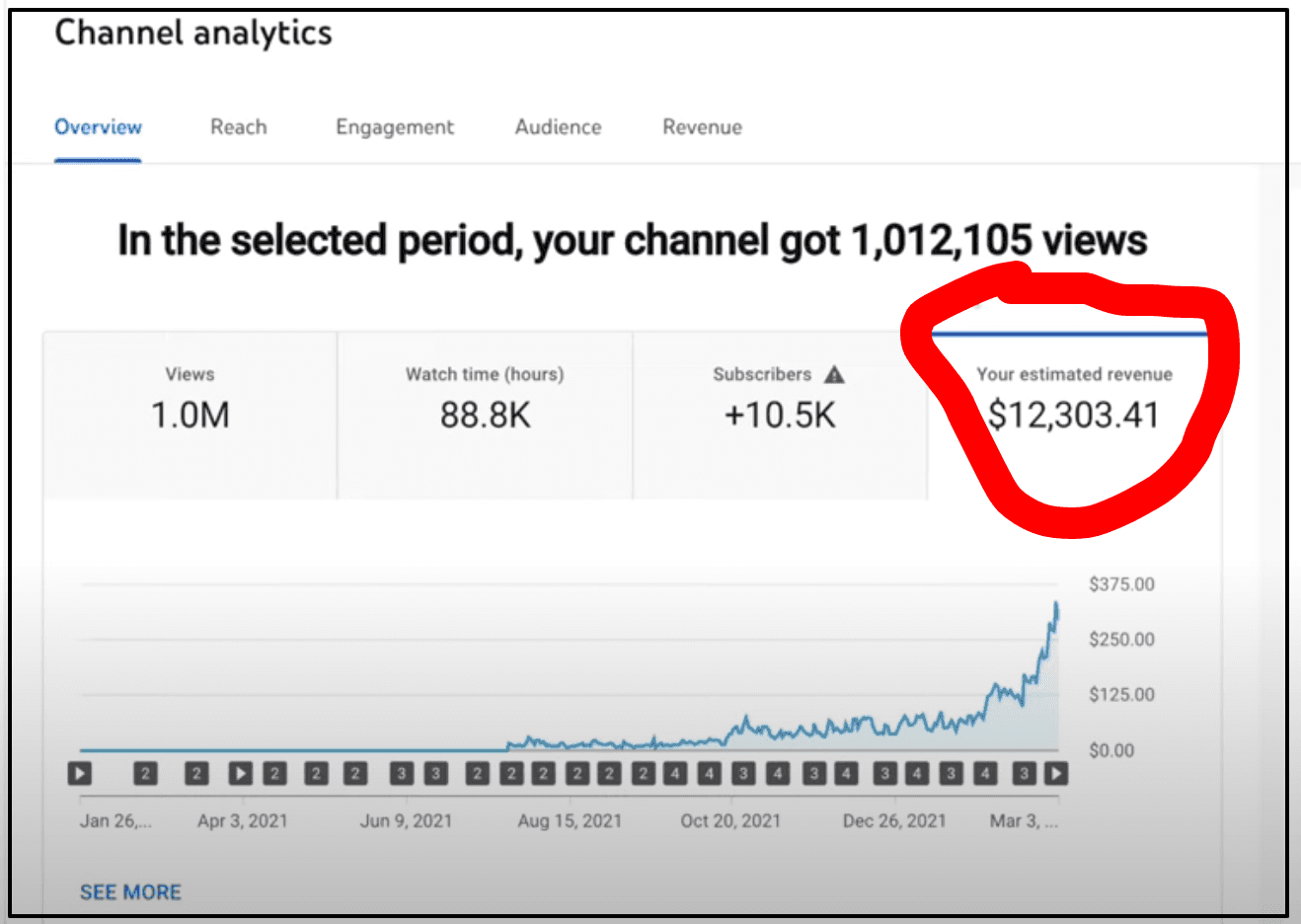
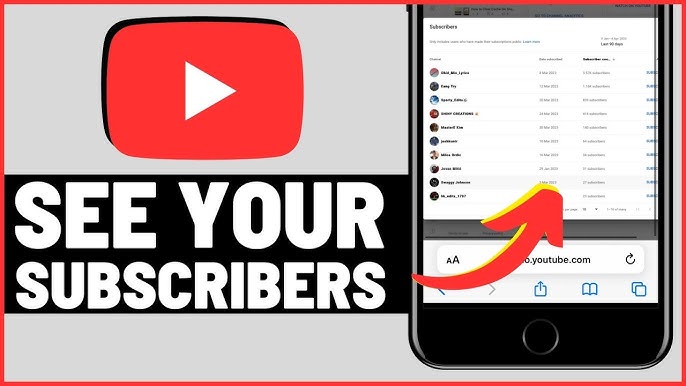
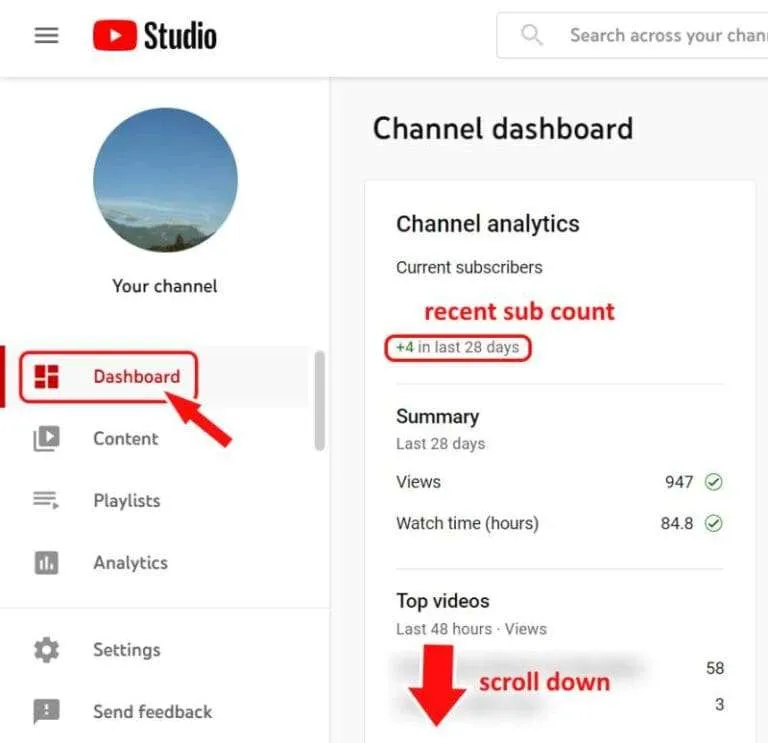
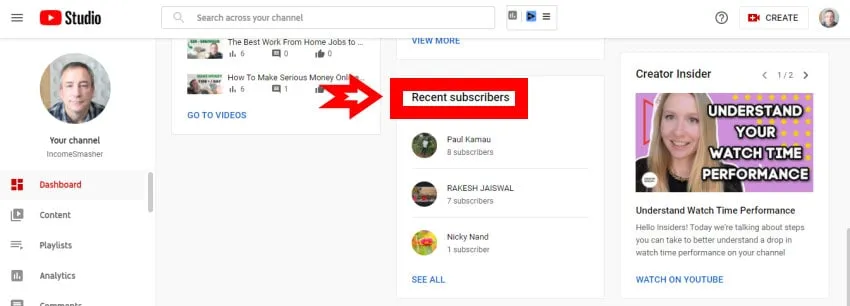
If you want to see who has subscribed to your channel, the only place to do that is inside YouTube Studio.
From your dashboard, navigate to the “Recent subscribers” section. You can filter subscribers by time range and see users who have chosen to make their subscriptions public. Private subscribers will not appear, even though they count toward your total.
YouTube’s official creator documentation explains this behavior in detail.
How to See Someone Else’s Subscriber Count
You can view the total subscriber count for most public channels directly under their channel name. However, you cannot see the full list of individual subscribers unless they’ve chosen to display their subscriptions publicly.
Third-party tools may estimate subscriber trends, but none can legally or accurately show private subscriber lists. Any service claiming to do so should be treated with caution.
Why Subscriber Counts Sometimes Don’t Update
YouTube periodically audits subscriber counts to remove spam, inactive accounts, or bots. When this happens, numbers may appear frozen or suddenly drop.
According to YouTube, these audits are normal and help maintain accurate metrics across the platform. Delays can also occur during periods of high traffic or system updates.
You can read more about YouTube’s subscriber verification process here.
Understanding Public vs Private Subscriptions
When a user sets their channel to private, their subscriber count will never appear publicly, even if they are actively subscribed to your channel. This is a user-controlled privacy setting and cannot be overridden.
As a creator, this means your visible subscriber list will almost always be smaller than your actual subscriber count. This is normal behavior and not a sign of lost subscribers.
Best Tools to Track YouTube Growth
While you can’t see every subscriber, you can still track channel performance using analytics tools such as:
YouTube Studio, for real-time performance data
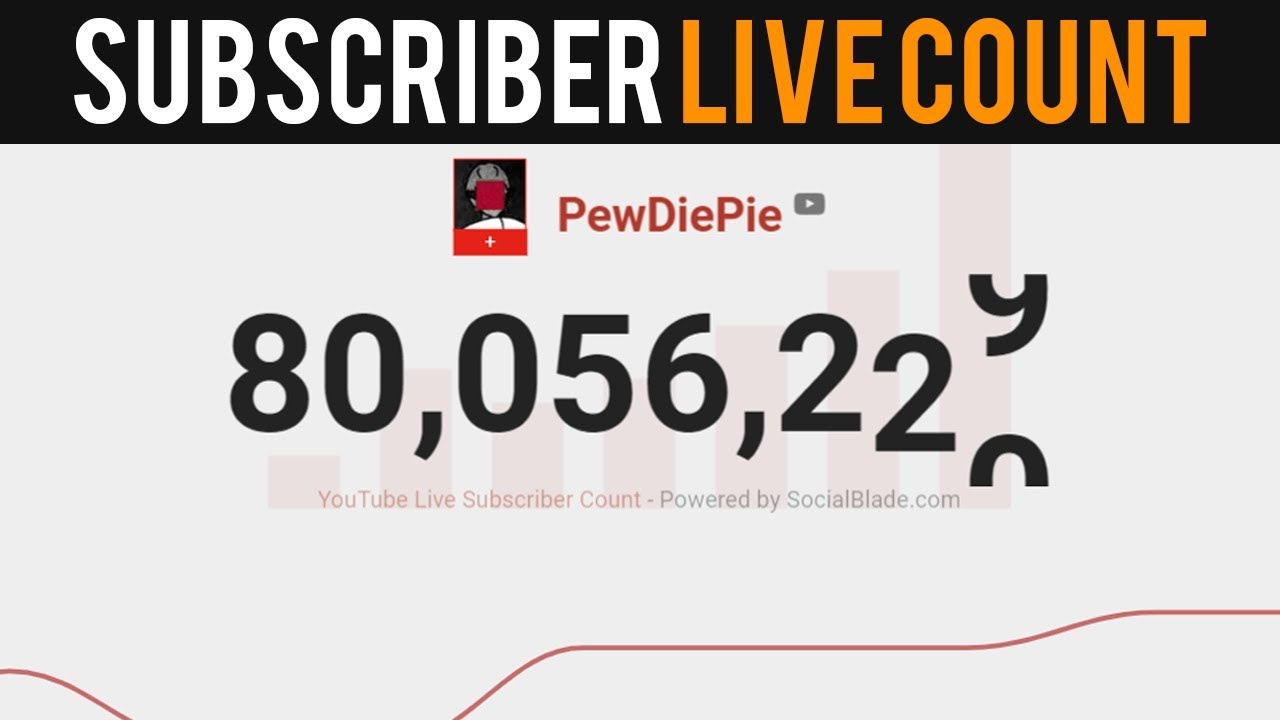
Social Blade, for estimated growth trends
VidIQ, for keyword and performance insights
These tools help creators understand growth patterns without violating YouTube’s privacy policies.
FAQ
Can I see exactly who unsubscribed from my channel?
No. YouTube does not provide information on who unsubscribed or when.
Why does my subscriber count change without new subscribers?
This usually happens due to YouTube removing spam or inactive accounts during routine audits.
Is there any way to see private subscribers?
No. Private subscriptions are intentionally hidden and cannot be accessed by creators or third-party tools.
Do subscriber counts update in real time?
Not always. Public counts can lag behind real-time data shown in YouTube Studio.