Social Media Guide
Jan 1, 2026
Can You Block People on YouTube?
Learn how blocking works on YouTube, what happens when you block someone, and how to manage unwanted comments or interactions on your channel.
Jump To
Can You Block Someone on YouTube?
Yes, you can block users on YouTube, but the platform handles blocking differently than most social networks. Blocking someone does not stop them from viewing your videos entirely, but it does prevent them from interacting with your channel in certain ways.
YouTube focuses on limiting harassment and spam rather than completely hiding content from viewers. This approach allows creators to maintain engagement while protecting their comment sections from abuse.
What Happens When You Block Someone
When you block a user on YouTube, they can no longer comment on your videos or reply to your comments. Their existing comments are also hidden from public view.
However, blocked users can still watch your videos and see your channel unless you make the content private or unlisted. YouTube does not notify users when they are blocked, keeping the action discreet.
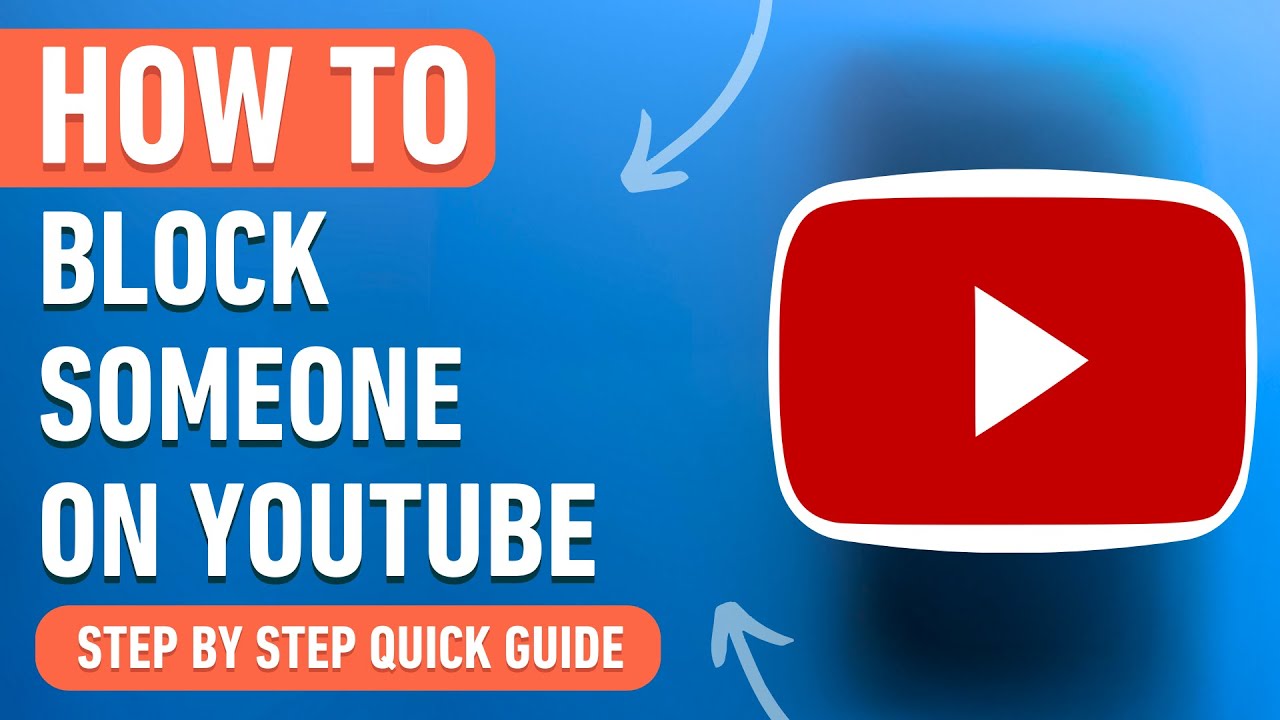
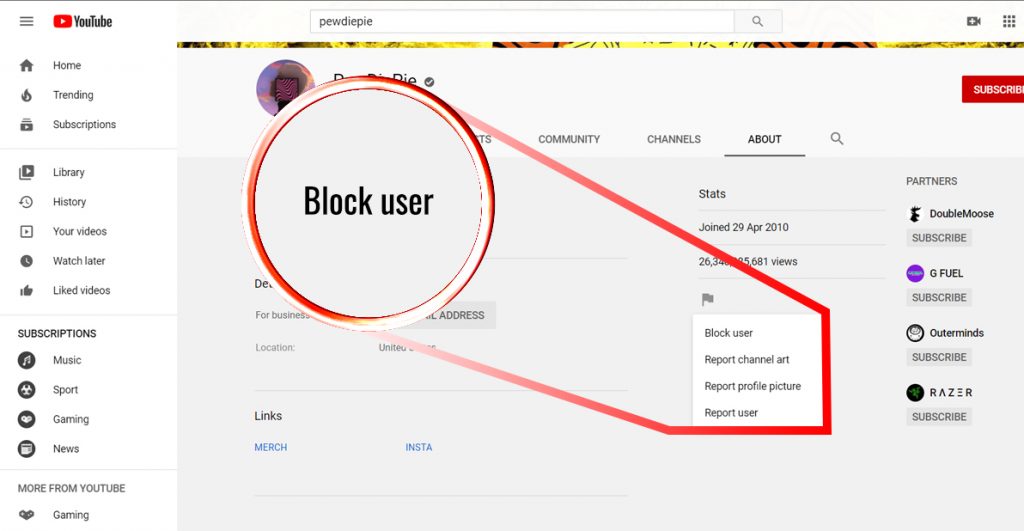
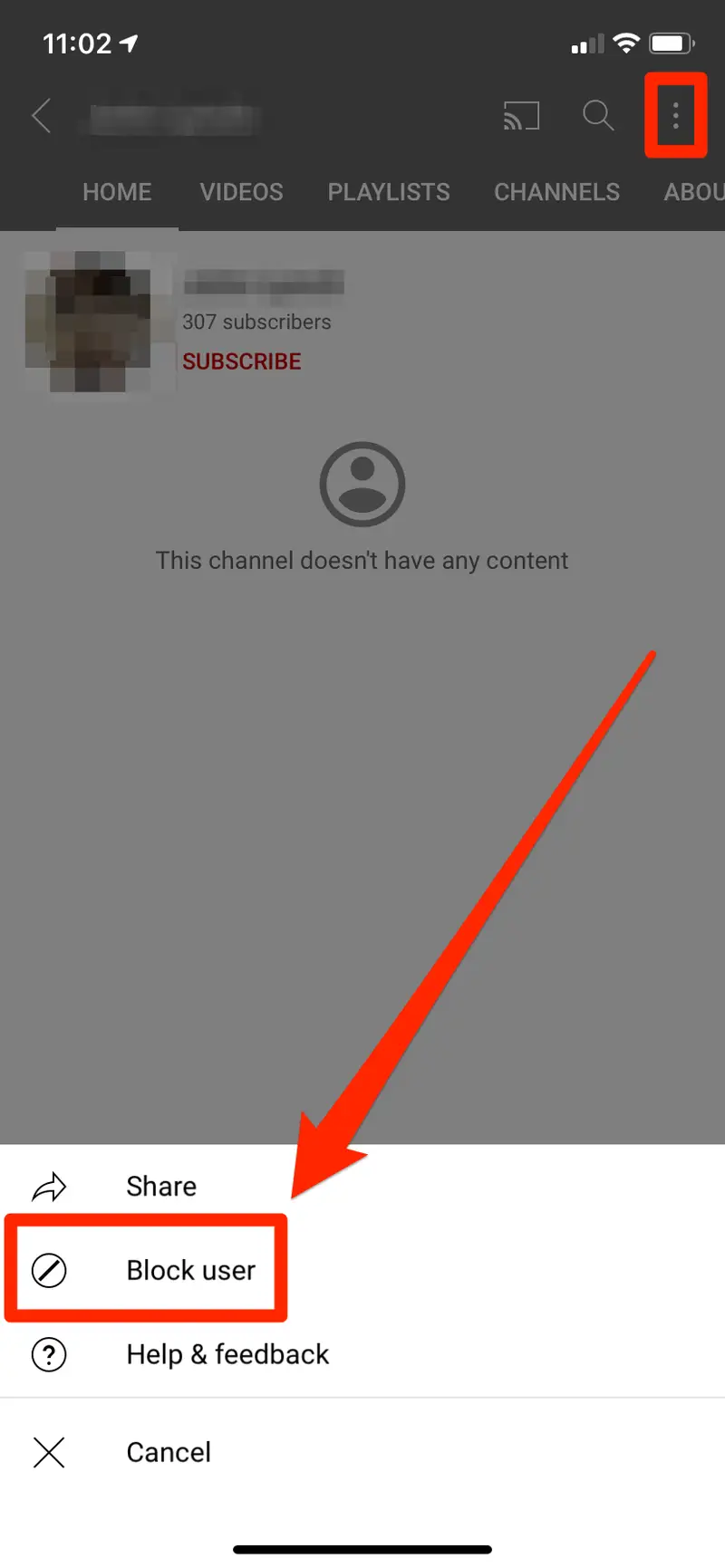
How to Block Someone on YouTube
Blocking someone on YouTube is simple and can be done directly from a comment they’ve left on your video. Follow these steps:
Go to the video where the person left a comment.
Find the comment you want to block.
Click the three dots (⋮) next to the comment.
Select “Hide user from channel.”
Confirm the action when prompted.
Once blocked, that user will no longer be able to comment on your videos or interact with your channel publicly.
Blocking Someone From YouTube Studio
You can also manage blocked users directly from YouTube Studio:
Go to studio.youtube.com and sign in.
Click Settings in the bottom-left menu.
Select Community from the sidebar.
Open the Hidden users tab.
Add or remove users from your blocked list.
This method is useful if you want to review or manage multiple blocked accounts at once.
What Happens After You Block Someone
Their comments are hidden from everyone else
They are not notified that they were blocked
They can still watch your videos but cannot interact
You can unblock them at any time from YouTube Studio
Blocking is best used for spam, harassment, or repeated rule-breaking behavior.
Other Ways to Control Comments and Users
In addition to blocking, YouTube offers several moderation tools. You can hold comments for review, filter specific words, or require approval for all comments before they appear.
Creators can also appoint moderators to help manage live chat and comment sections. These tools are especially useful for larger channels or livestreams with high activity.
Can Blocked Users Still See Your Videos?
Yes. Blocking someone only restricts their ability to comment or interact with your channel. They can still watch your videos if they are public.
If you need to prevent someone from viewing your content entirely, the only option is to make videos private or unlisted, which limits access to specific users.
When Blocking Is the Right Choice
Blocking is most useful when dealing with spam, harassment, or repeated rule violations. It helps maintain a healthy comment environment without affecting legitimate viewers.
For creators managing large audiences, using moderation tools proactively can significantly improve community quality and reduce stress.
FAQ
Can someone tell if I blocked them on YouTube?
No. YouTube does not notify users when they are blocked.
Does blocking remove past comments?
Yes. Comments from blocked users are hidden from public view.
Can blocked users still subscribe to my channel?
Yes. Blocking only affects commenting, not subscriptions or viewing.
Is blocking reversible?
Yes. You can remove users from your blocked list at any time in YouTube Studio.