Social Media Guide
Dec 23, 2025
Can You See Your Recent Followers on TikTok?
Learn whether TikTok lets you see your most recent followers, how follower order actually works, and what TikTok shows (and hides) inside your account.
Jump To
Can You See Your Recent Followers on TikTok?
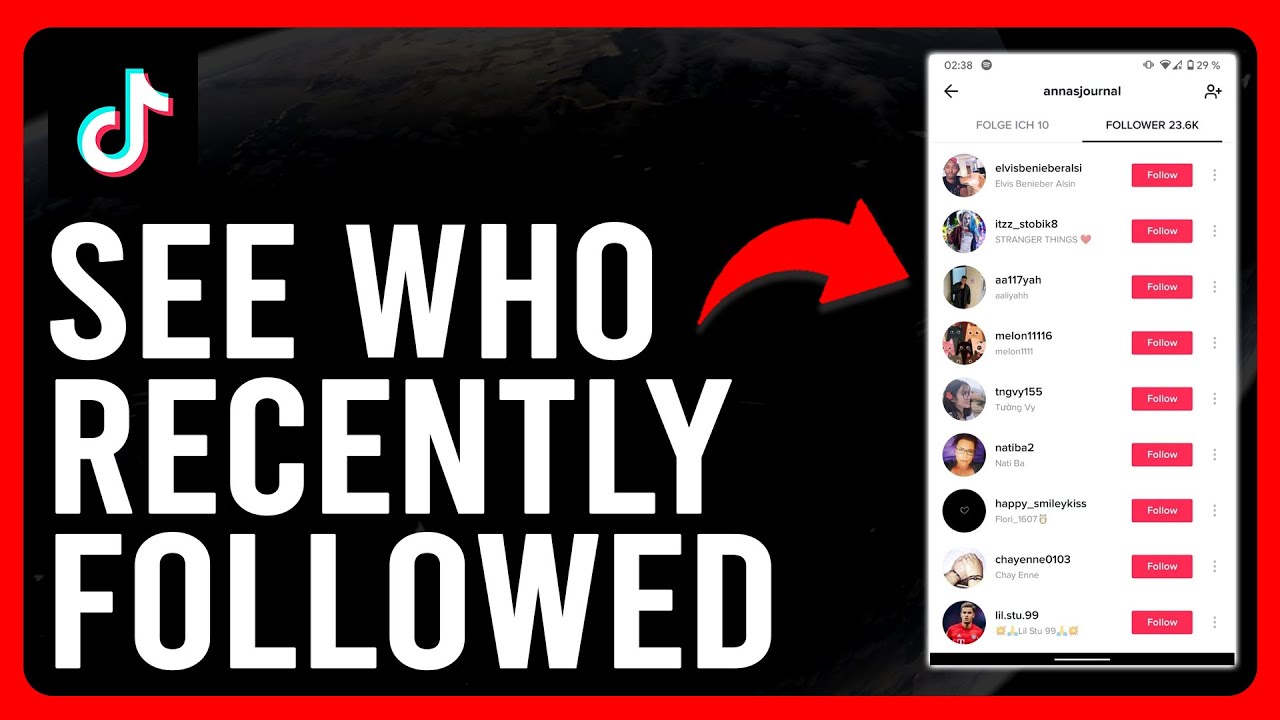
Yes — you can see your recent followers on TikTok, but only in a limited way.
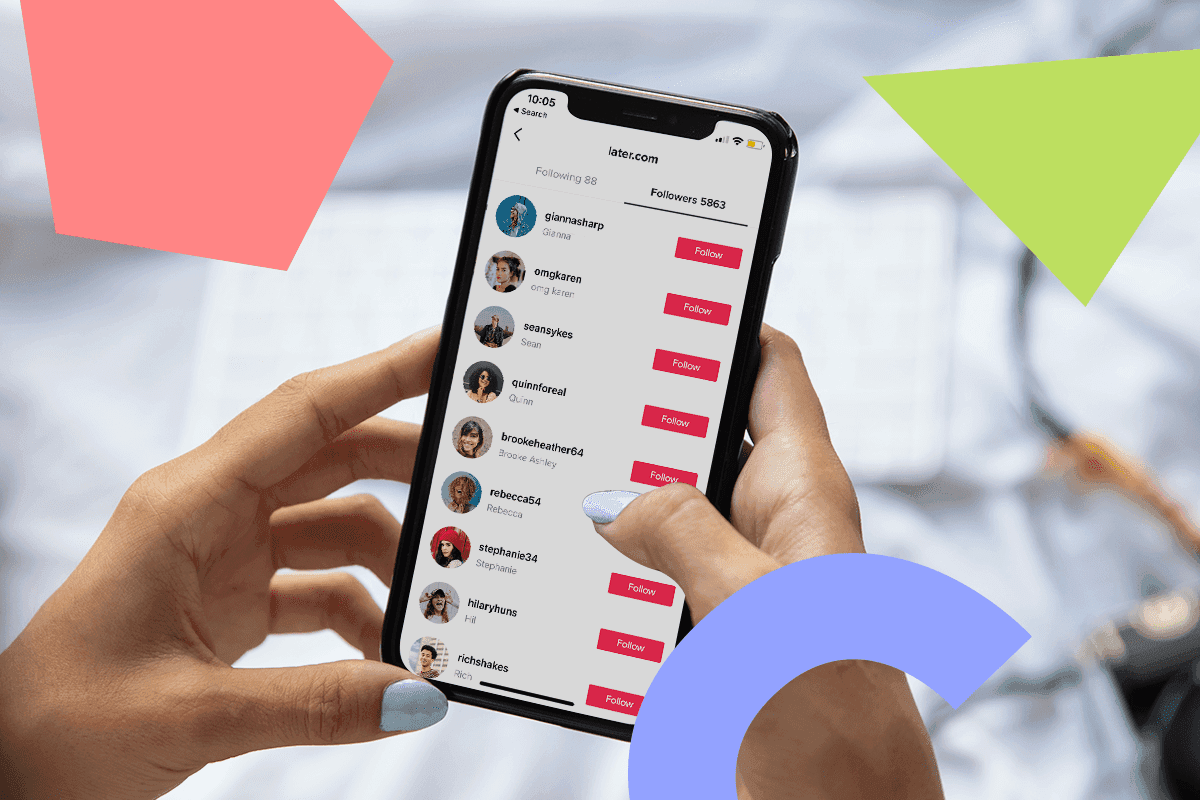
When you open your profile and tap Followers, the newest followers usually appear near the top of the list. However, TikTok does not guarantee that the order is strictly chronological.
This means you can often tell who followed you recently, but the list may shift or reorder over time.
How TikTok Displays Follower Order
TikTok sorts followers using internal ranking signals, not timestamps. These signals can include:
How often you interact with each other
Mutual follows
Profile visits
Recent activity levels
Because of this, two users may see the same follower list ordered differently. TikTok prioritizes relevance over strict chronological accuracy.
How to Check Your Recent Followers on Your Own Account
To see who followed you most recently:
Open TikTok
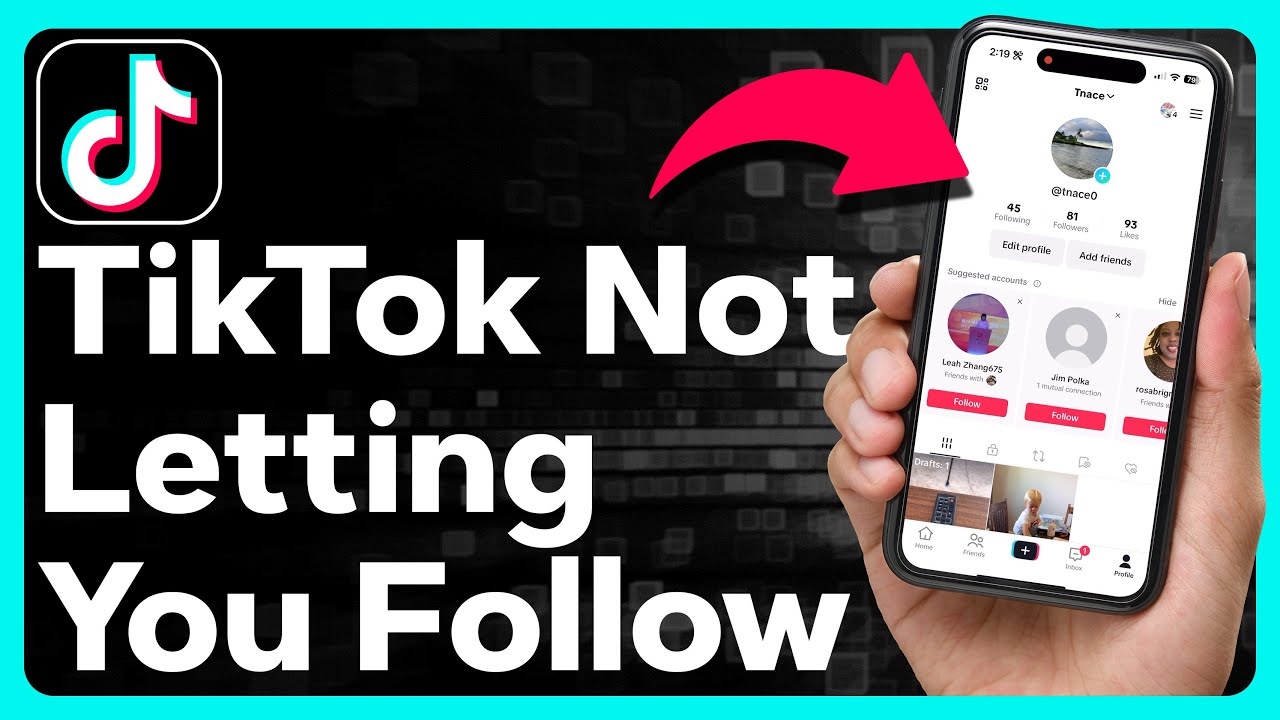
Go to your Profile
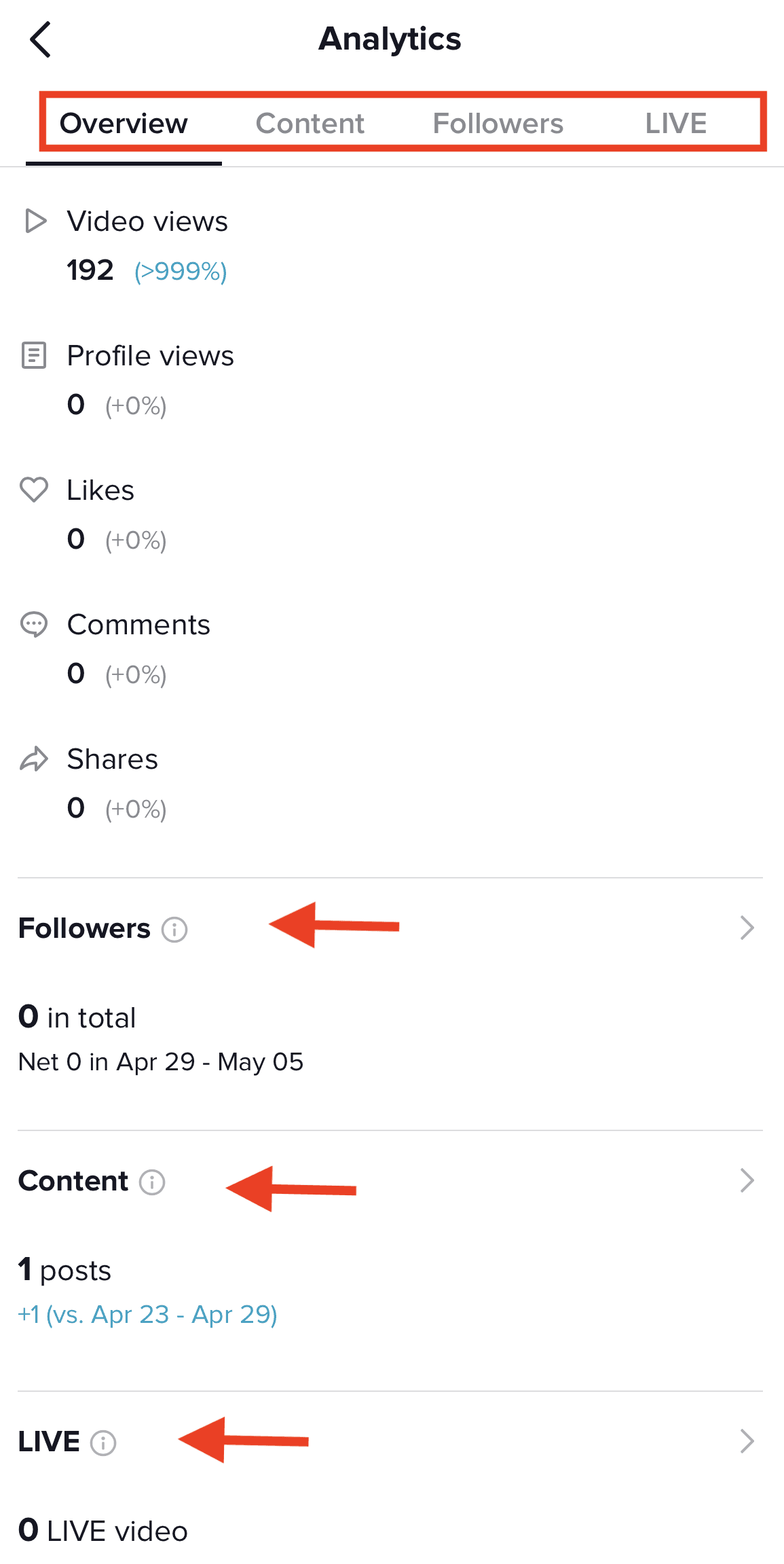
Click Analytics
Tap Followers
Look at the top of the list for recent additions
For best accuracy, check shortly after receiving a follow notification. TikTok may reorder the list after some time.
You can also enable follower notifications to catch new follows in real time.
Why TikTok Doesn’t Show Exact Follow Times
TikTok intentionally hides exact follow timestamps to:
Protect user privacy
Reduce stalking or harassment
Prevent automated tracking and scraping
Maintain algorithm integrity
If follow times were public, it would be much easier for bots and third-party tools to map user behavior.
What Happens When Someone Unfollows You
When someone unfollows you:
Their profile disappears from your follower list
You do not receive a notification
Your follower count decreases by one
TikTok does not show who unfollowed you or when it happened. The only way to notice is by checking your follower count or monitoring engagement over time.
Tutorial Here: https://www.tiktok.com/@bryden.m/video/7418529596619984160
Are Third-Party Follower Trackers Accurate?
In most cases, no.
Third-party follower trackers often:
Use scraped or delayed data
Violate TikTok’s terms of service
Provide estimates rather than real-time information
Risk account security or bans
If a service claims to show exact follower timestamps, it’s not legitimate.
FAQ
Can I see exactly who followed me most recently on TikTok?
You can usually see recent followers near the top of your list, but TikTok does not provide a guaranteed chronological order.
Why does my follower list keep changing?
TikTok reorders followers based on interaction, relevance, and activity — not time alone.
Can other people see my recent followers?
They can view your follower list, but not a precise order or timestamps.
Is there a safe way to track new followers?
The safest method is using TikTok’s built-in analytics and notifications.
Do business or creator accounts show more data?
They show follower trends and growth metrics, but not exact follow times.