Social Media Guide
Feb 8, 2026
How to Half Swipe on Snapchat
Learn how to half swipe on Snapchat to preview messages without opening them and understand the risks of being detected.

Jump To
What Half Swiping Is
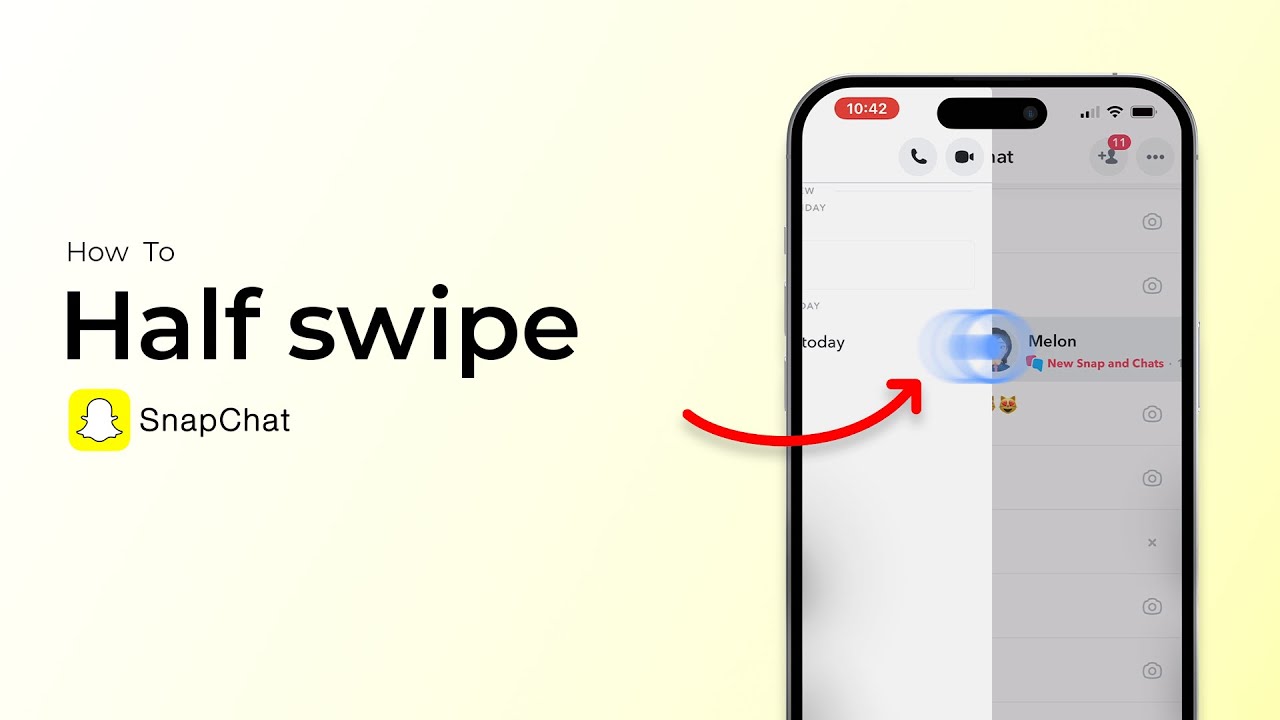
Half swiping lets you preview chat messages without opening the conversation fully. This avoids sending a read notification.
How to Half Swipe Correctly
Steps:
Open chat list
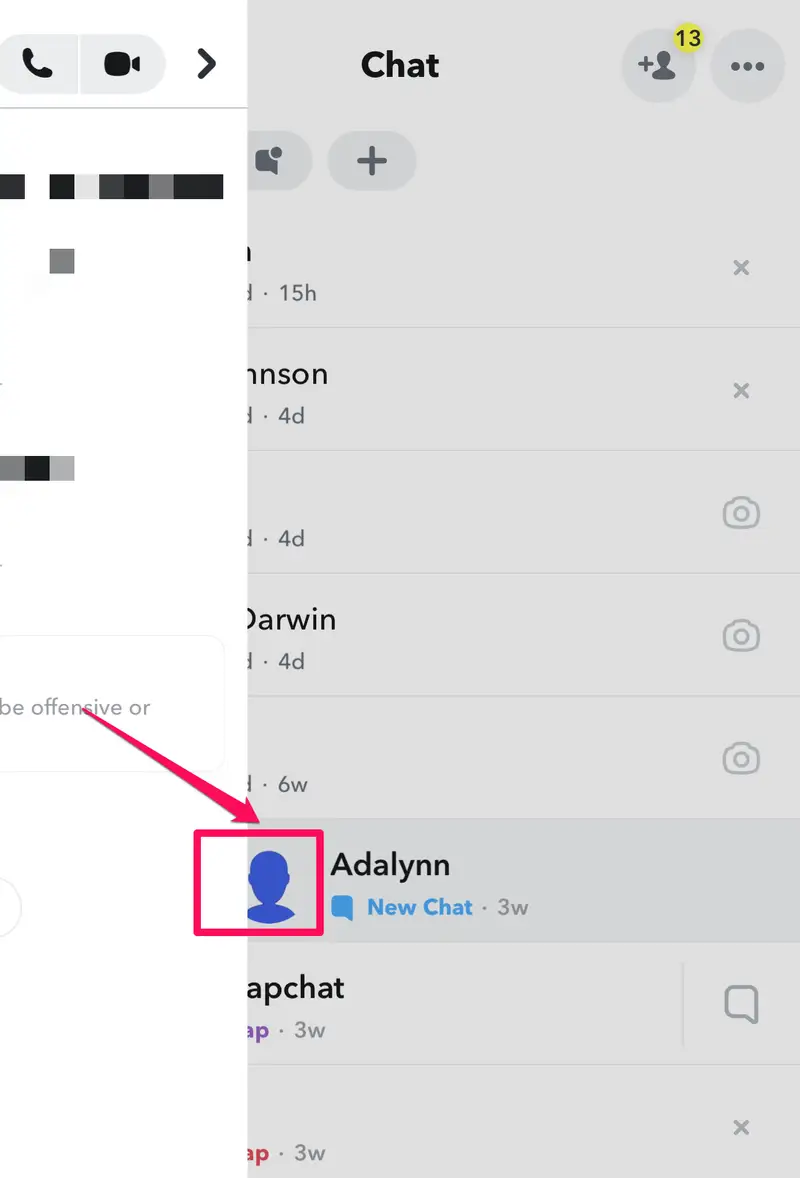
Press and hold the sender’s Bitmoji
Slowly drag right
Read the message
Slide back without lifting your finger
Lifting your finger opens the chat.
Does Half Swiping Send Read Receipts?
No, if done correctly. If you swipe too far or release, Snapchat marks it as opened.
Why Half Swiping Sometimes Fails
Failures happen due to:
App updates
Screen sensitivity
Fast swiping
Snapchat occasionally adjusts gesture thresholds.
Half Swipe on iPhone vs Android
iPhones tend to be more forgiving. Android devices vary by manufacturer and screen response.
Limitations of Half Swiping
You cannot:
Scroll
Reply
View media
It’s text preview only.
FAQ
Can Snapchat detect half swiping?
Not officially, but mistakes trigger read receipts.
Does it work on all versions?
It can change with updates.