Social Media Guide
Mar 28, 2026
How to Quickly Make a Discord Account
Learn how to create a Discord account quickly on desktop and mobile, how verification works, and common mistakes new users make when signing up.
Jump To
What You Need to Make a Discord Account
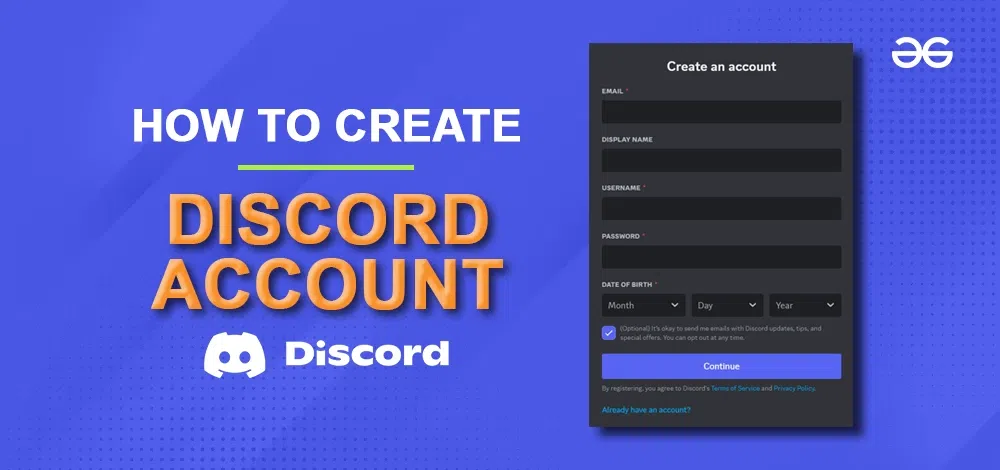
Discord requires only basic information to create an account: a username, email, and password. Users may optionally add a profile picture, age verification, and two-factor authentication later.
New users can join servers, use chats, and add friends immediately after signing up.
How to Make a Discord Account on Desktop
To create an account on PC or web:
Go to discord.com
Click Sign Up
Enter your email, username, and password
Accept the Terms of Service
Click Continue
Once created, Discord may prompt you to join recommended servers or build your own.
How to Make a Discord Account on Mobile
On iOS or Android:
Install the Discord app from the App Store or Google Play
Tap Sign Up
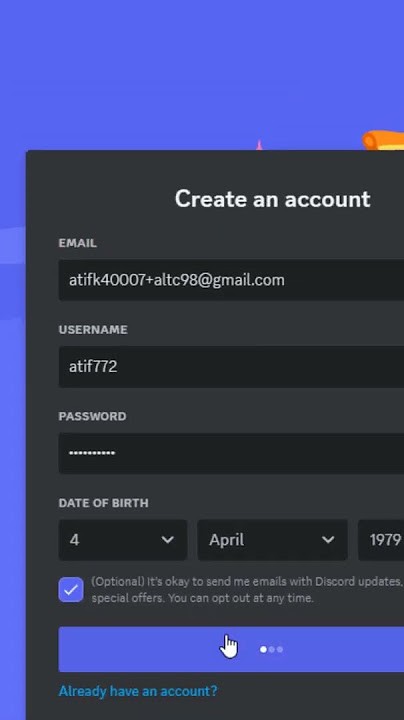
Enter your email and create a username
Confirm password
Tap Create Account
Mobile onboarding is often faster and offers suggestions for servers and communities.
‼️Make sure you still have access to the email you used, since Discord will require you to verify your email after signup.‼️
Email Verification and Security
Discord requires email verification to unlock all features. Once verified, you can add friends, join private servers, and participate in moderation-restricted communities.
For account security, Discord encourages enabling 2FA through Google Authenticator or similar apps, especially for server admins.
Optional Profile Setup for New Accounts
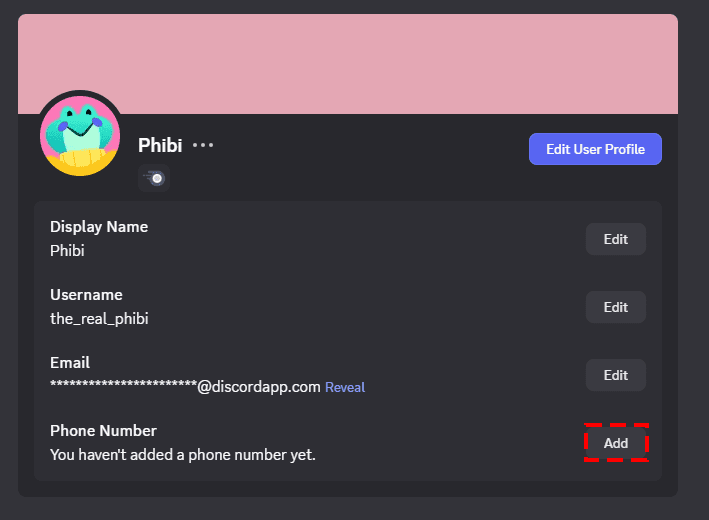
New users can customize:
Profile picture
Custom status
About Me bio
Connected accounts (Steam, Xbox, YouTube, etc.)
Profile customization helps discovery and improves trust in gaming or community spaces.
Customization will be limited if you are not a nitro user.
Common Sign-Up Issues
Most errors during sign-up are caused by:
Unverified or flagged email
Password complexity issues
Browser autofill errors
Age restrictions for under-13 users
If a verification email doesn’t arrive, checking spam folders or retrying often resolves the issue. Discord has a track record for not being very consistent with their automatic email system, if your email for verification doesn't arrive at first, try again at least 2 more times.
FAQ
Do I need a phone number?
Not for sign-up, but Discord may request verification later for security.
Can I make multiple Discord accounts?
Yes. Discord allows multiple accounts as long as they follow policies.
Can I make a Discord account without email?
No. Email is required for full access and verification.
Does creating a Discord account cost money?
No. Discord is free, with optional Nitro upgrades.